
Slack How To
All our internal comms go through Slack, there is a separate Workspace for Colonial and Coastal Virginia and you’re welcome to join both! The welcomebot should get you set up most of the way. The F3 Nation App within Slack handles all of the attendance and data tracking. There are a few frequent functions you’ll want to check out as a new PAX that will make your life easier:
CALENDAR
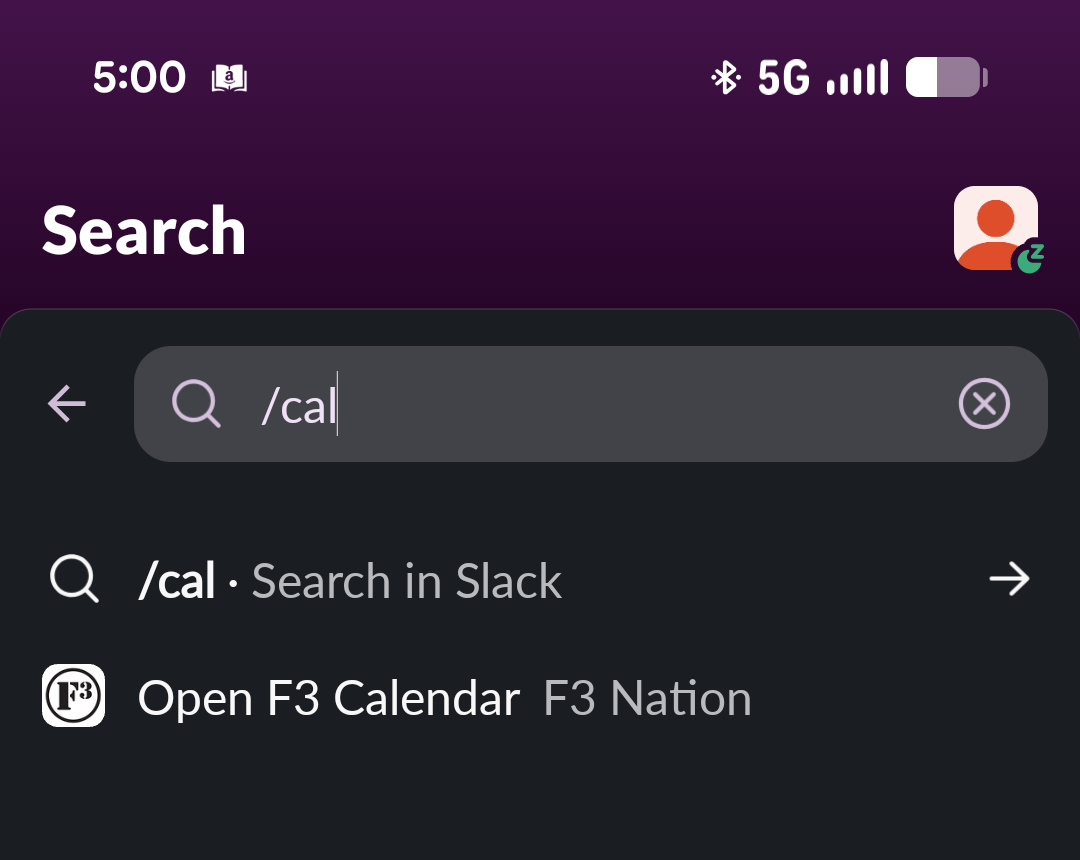
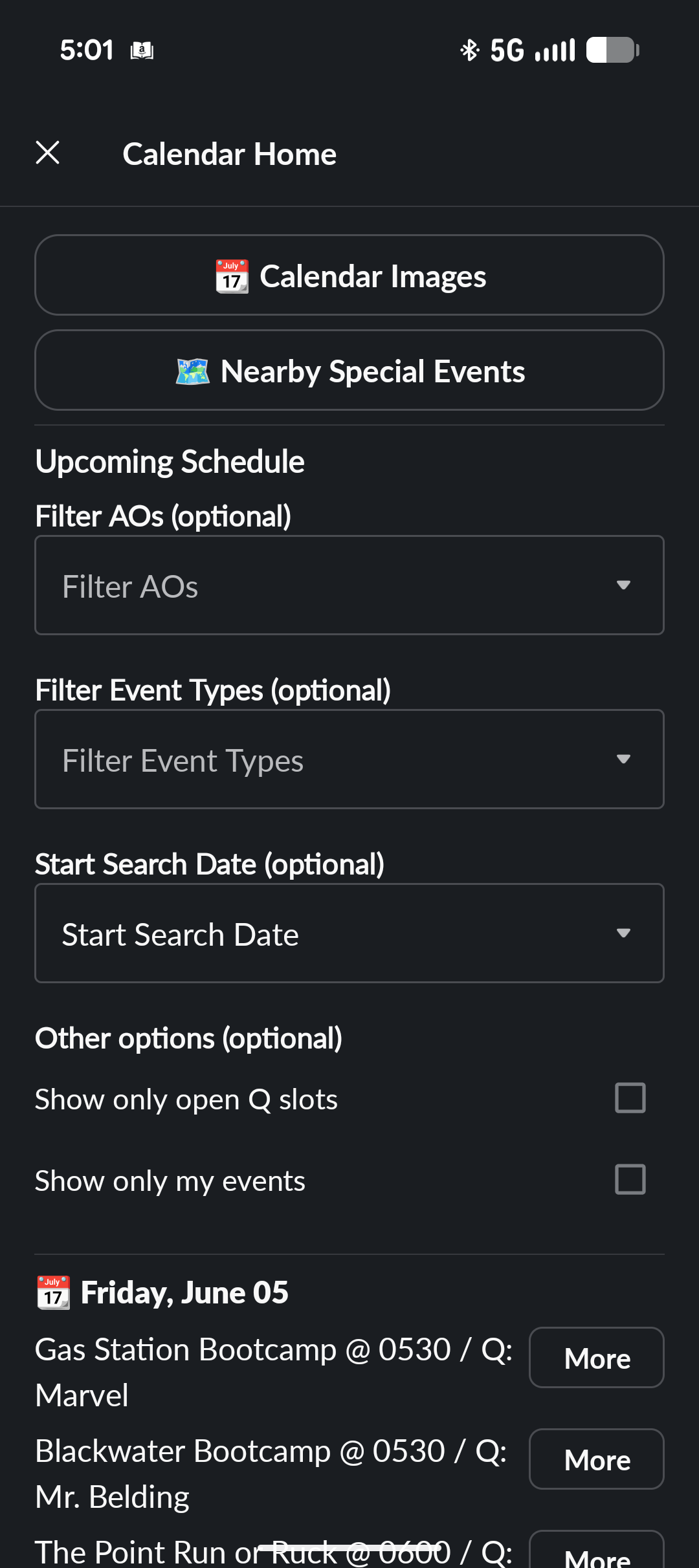
Search “cal” in the header bar then “Open F3 Calendar”
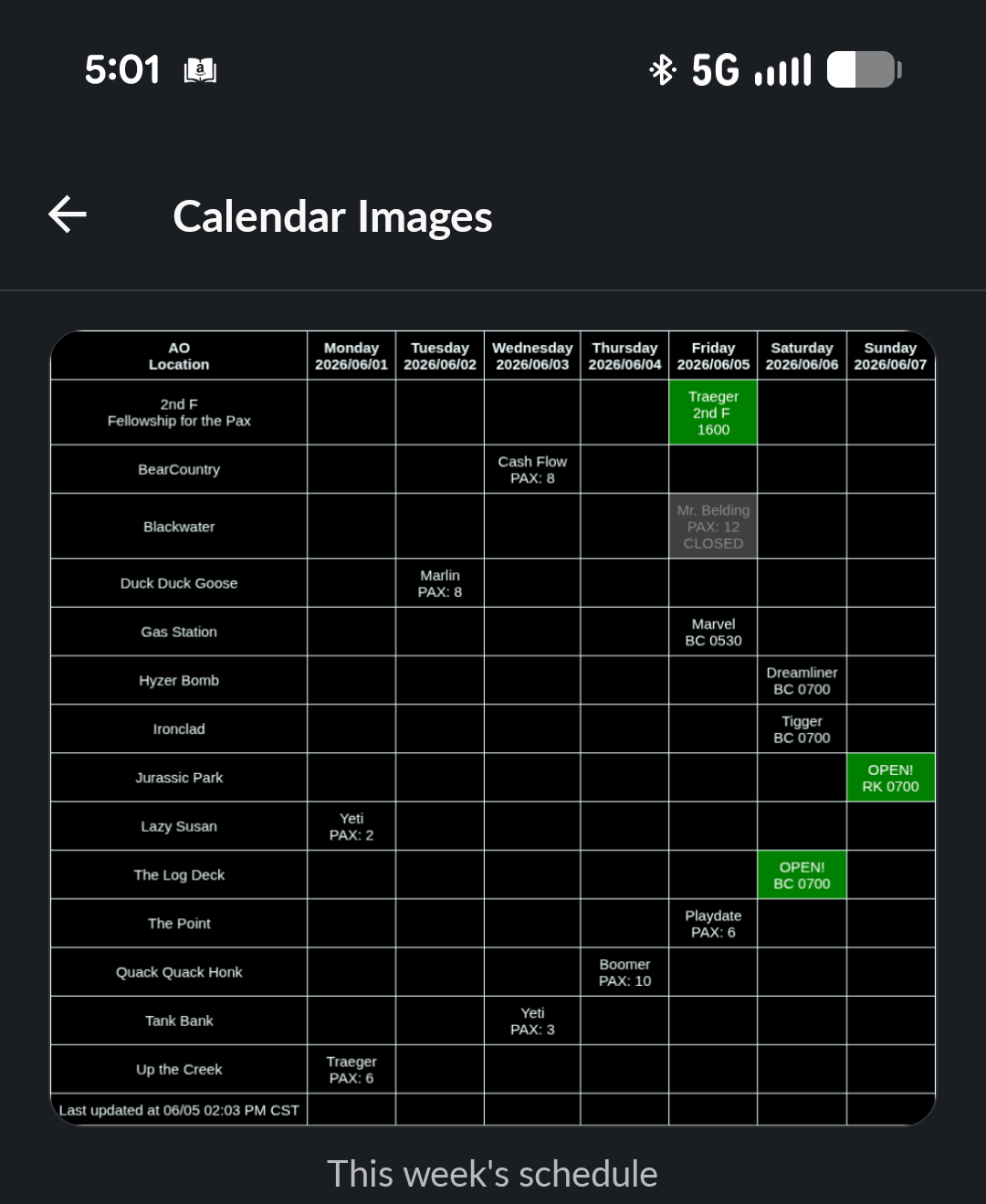
If you’re a visual guy you can check the “calendar image” to see what’s coming up for the next two weeks.
Scroll down to the next workouts you’re going to attend, click “more”, then click “HC”.
The hard commit will show the Q you’ll be there.
It will also automatically tag you in the AO channel when the Q posts the pre-blast.
The pre-blast will give you a preview of the workout and if there’s any particular gear to bring.
PROFILE SETTINGS
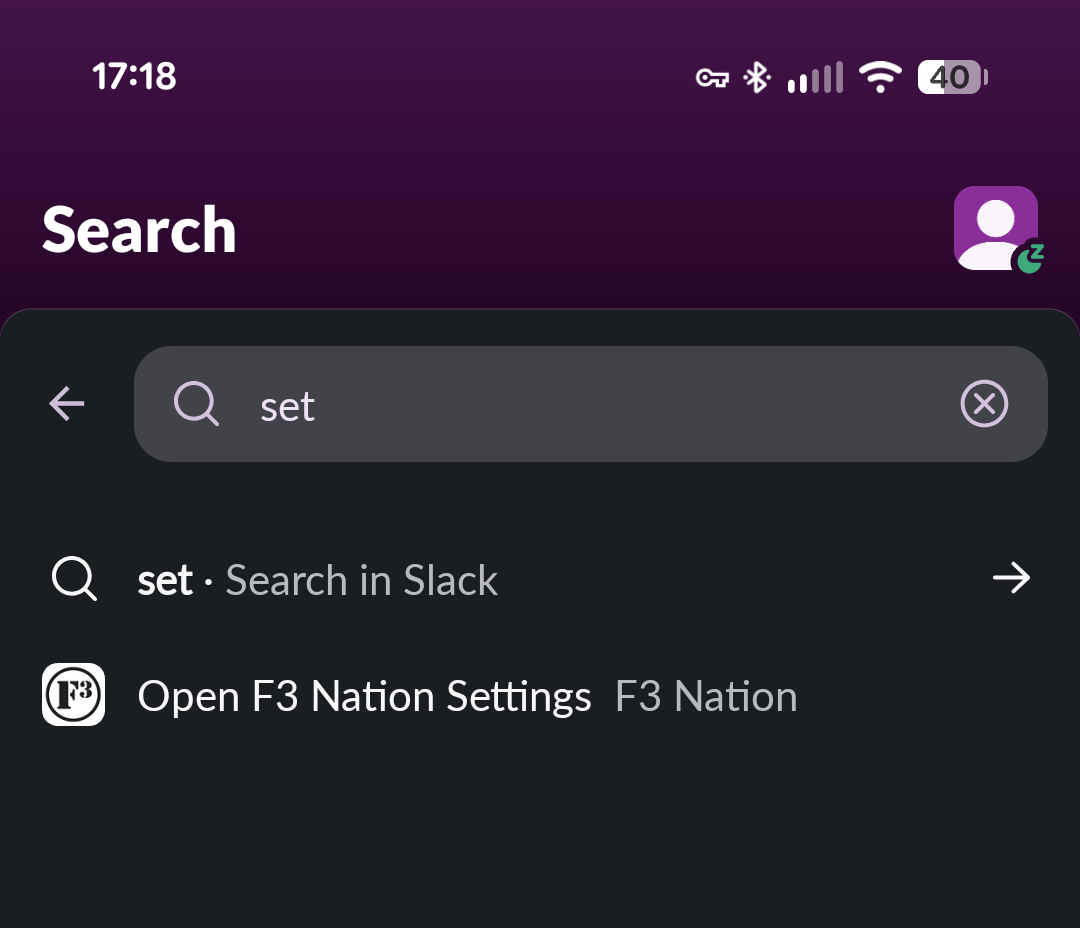
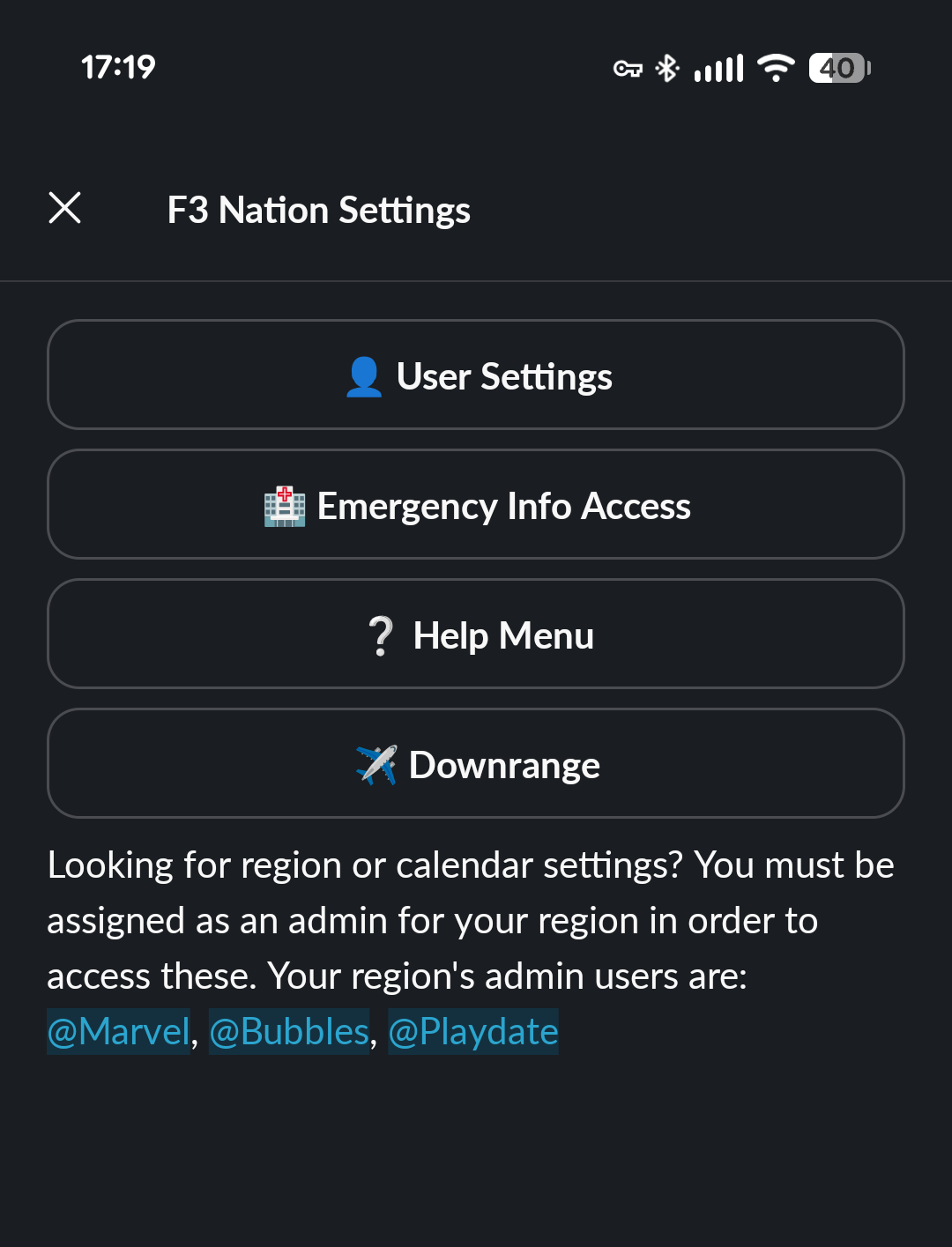
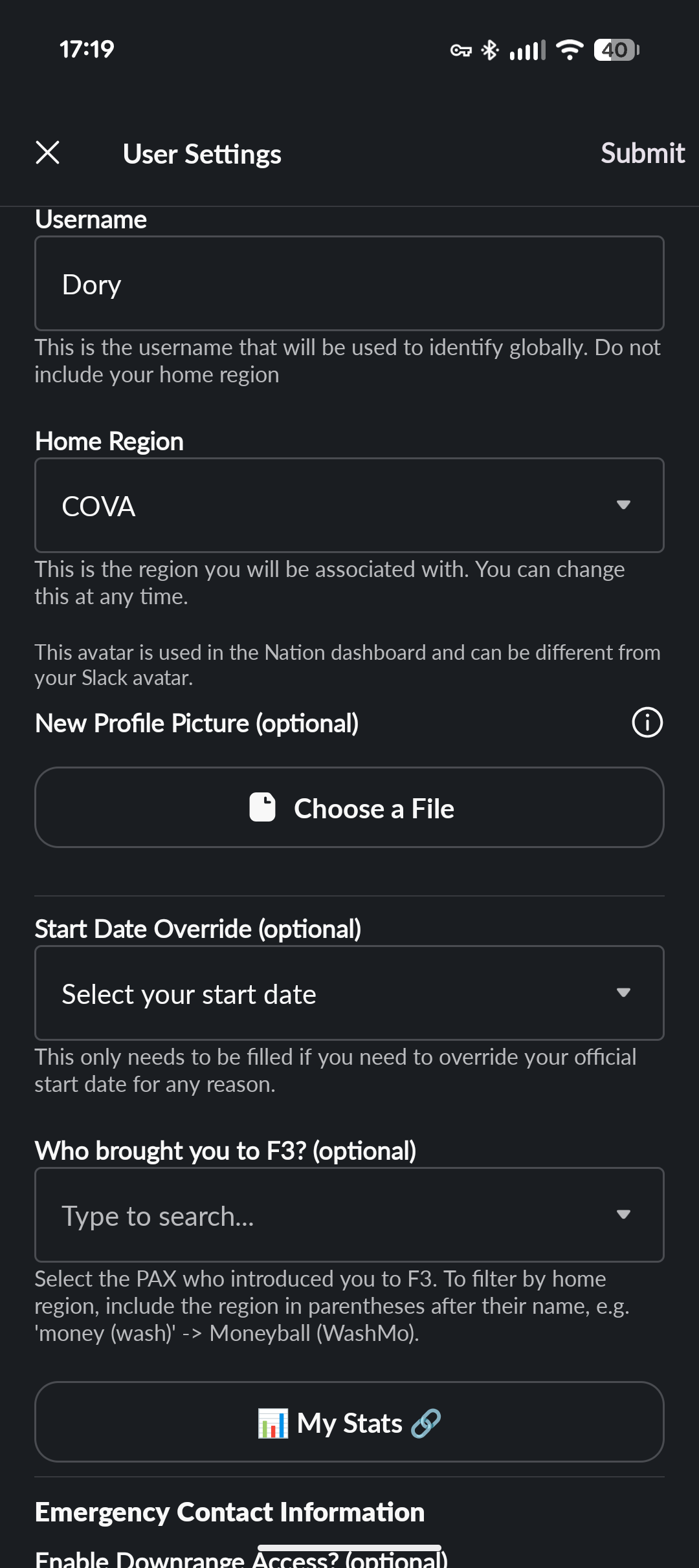
Search “settings” in the header bar then “Open F3 Calendar”
Like it says on the screen.
Profile data here posts through to Pax vault which tracks your workout attendance and such.
As you can see this is also where the other Pax can access your emergency contact if something happens to you during a workout. So update your profile!
Update your profile!
Especially the Emergency contact info all the way at the bottom.
“My Stats” links through to Pax Vault as above. Your workout attendance, AO breakdown, recent events, it’s all there!